Our experts are always on hand to help answer your questions, get you started, and grow your presence online. You can email us any time
How to reboot or power off your onion service
- Knowledgebase
How to reboot or power off your onion service
Most problems clear with a reboot. Powering off takes the service offline but keeps your data and your onion address, and you are still billed while it is off.
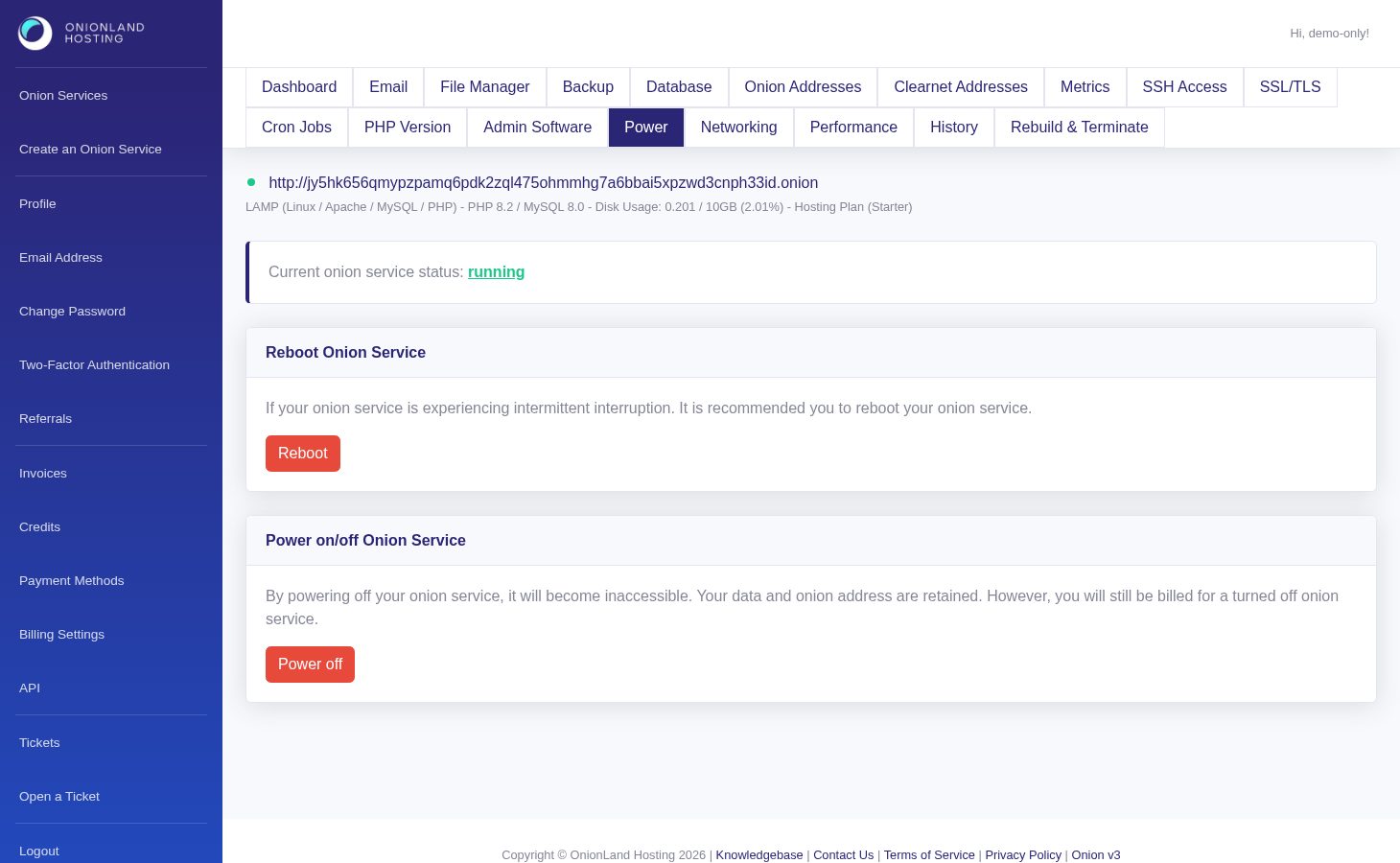
Step 1 — Open the Power tab
In the Customer Portal, open your onion service and click "Power". The current status is shown above the buttons.
Step 2 — Reboot
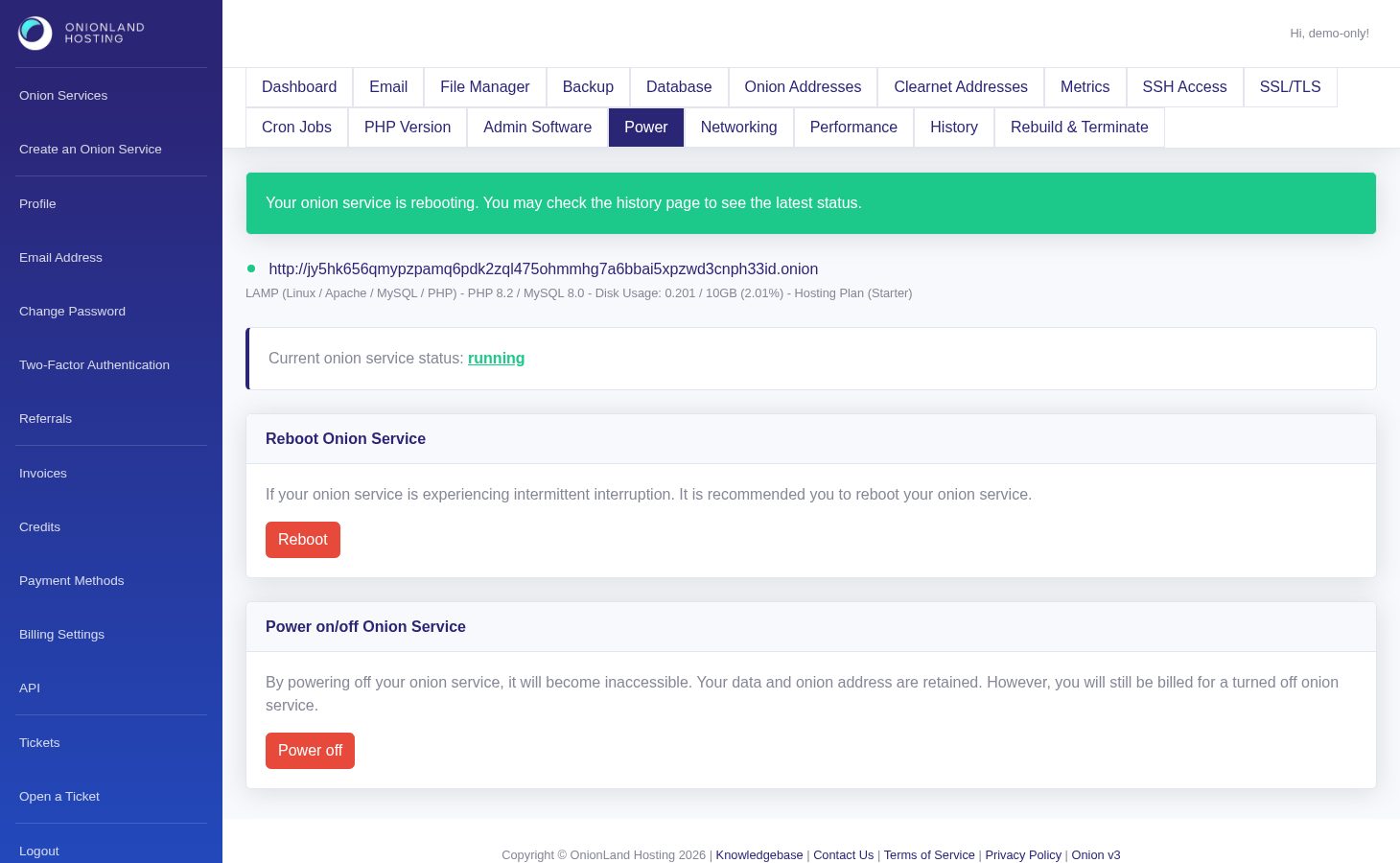
Click Reboot and the page reloads with a green message: "Your onion service is rebooting. You may check the history page to see the latest status." The site is unreachable for a short moment — the status dot on the dashboard turns green again when it is back.
Step 3 — Power off and on
Power off stops the service: visitors get an error, your data and address are kept, and billing continues. Power on brings it back with the same message pattern ("Your onion service is starting."). Reboot before powering off — most faults are cleared by a restart.
Related articles
Tags:
- Onion Service
- Customer Portal
- Power