Our experts are always on hand to help answer your questions, get you started, and grow your presence online. You can email us any time
How to manage your billing address
- Knowledgebase
How to manage your billing address
The billing address is printed on your monthly invoice and has to be the legal address of the person or company that owns the account. You can set or change it at any time; it is separate from the service addresses and from the email address of the account.
Step 1 — Open Billing Settings
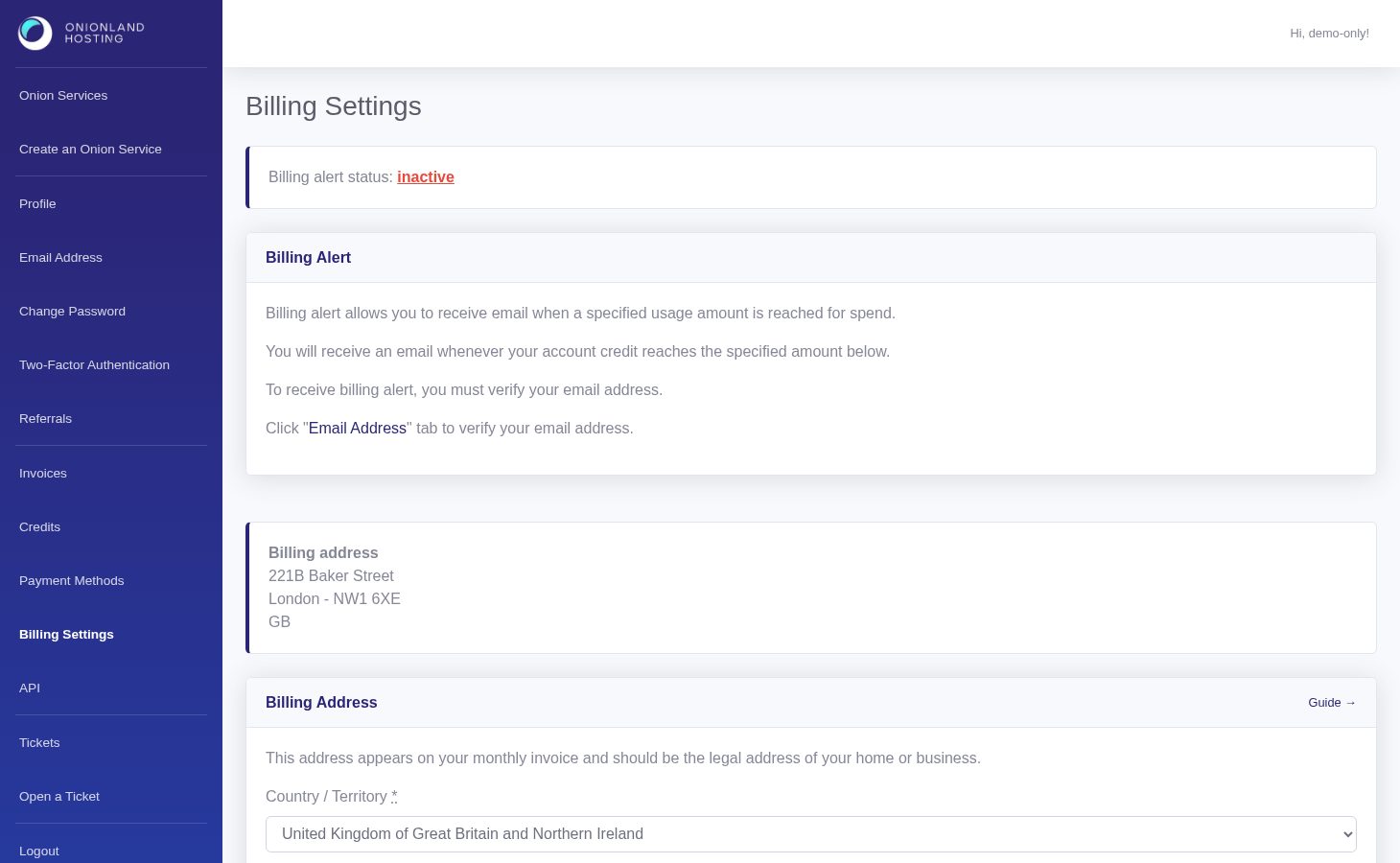
In the Customer Portal, click "Billing Settings" in the sidebar. The first card is the billing alert; the second is Billing Address.
Step 2 — Fill in the address
Choose the country first — the form needs it before it accepts the rest — then the address lines, the city and, where they apply, the state, the postal code and a phone number. Only the country, the first address line and the city are mandatory.
Step 3 — Save
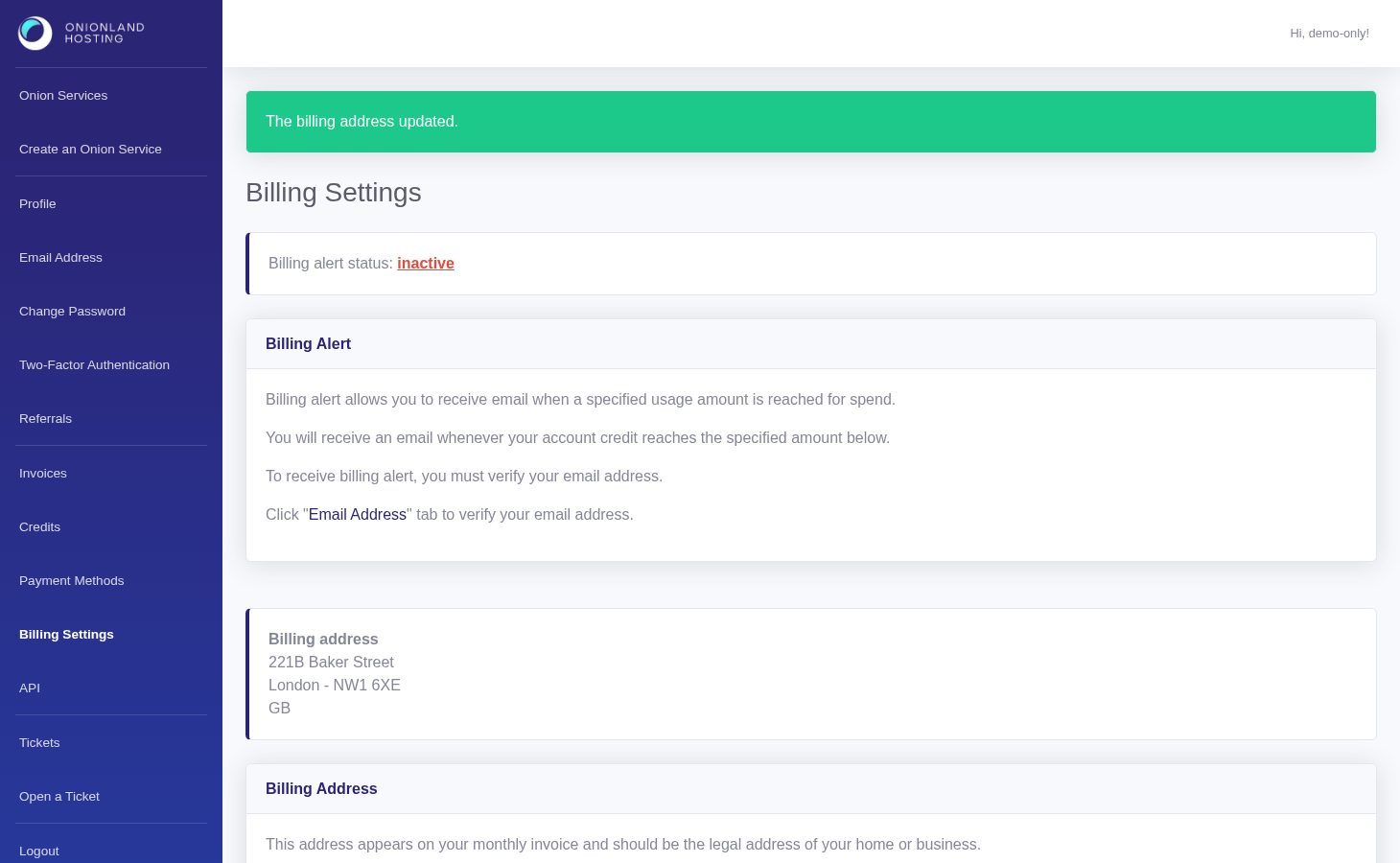
Click Save Address. The page reloads with a green message: "The billing address updated." and a summary block appears above the form with the address exactly as it was stored.
If the save is refused the page answers "The billing address cannot be updated." — usually a country that could not be matched, or a required field left empty. Nothing is lost: correct the field and press the button again.
Step 4 — Check it on the invoice
The new address appears in the Invoice to block of your invoices — the PDF is generated on request, so the next invoice you open already shows it. There is no charge for changing it, and it does not affect the running services.
Related articles
Tags:
- Customer Portal
- Billing
- Invoices