Our experts are always on hand to help answer your questions, get you started, and grow your presence online. You can email us any time
How to enable SSL/TLS on your onion service
- Knowledgebase
How to enable SSL/TLS on your onion service
An onion service is already encrypted end to end by Tor, so HTTPS is optional — it matters for mixed setups, for browsers that refuse insecure forms, and for clearnet addresses bound to the service.
Step 1 — Open the SSL/TLS tab
In the Customer Portal, open your onion service and click "SSL/TLS". The first line shows the current status: inactive until you enable it.
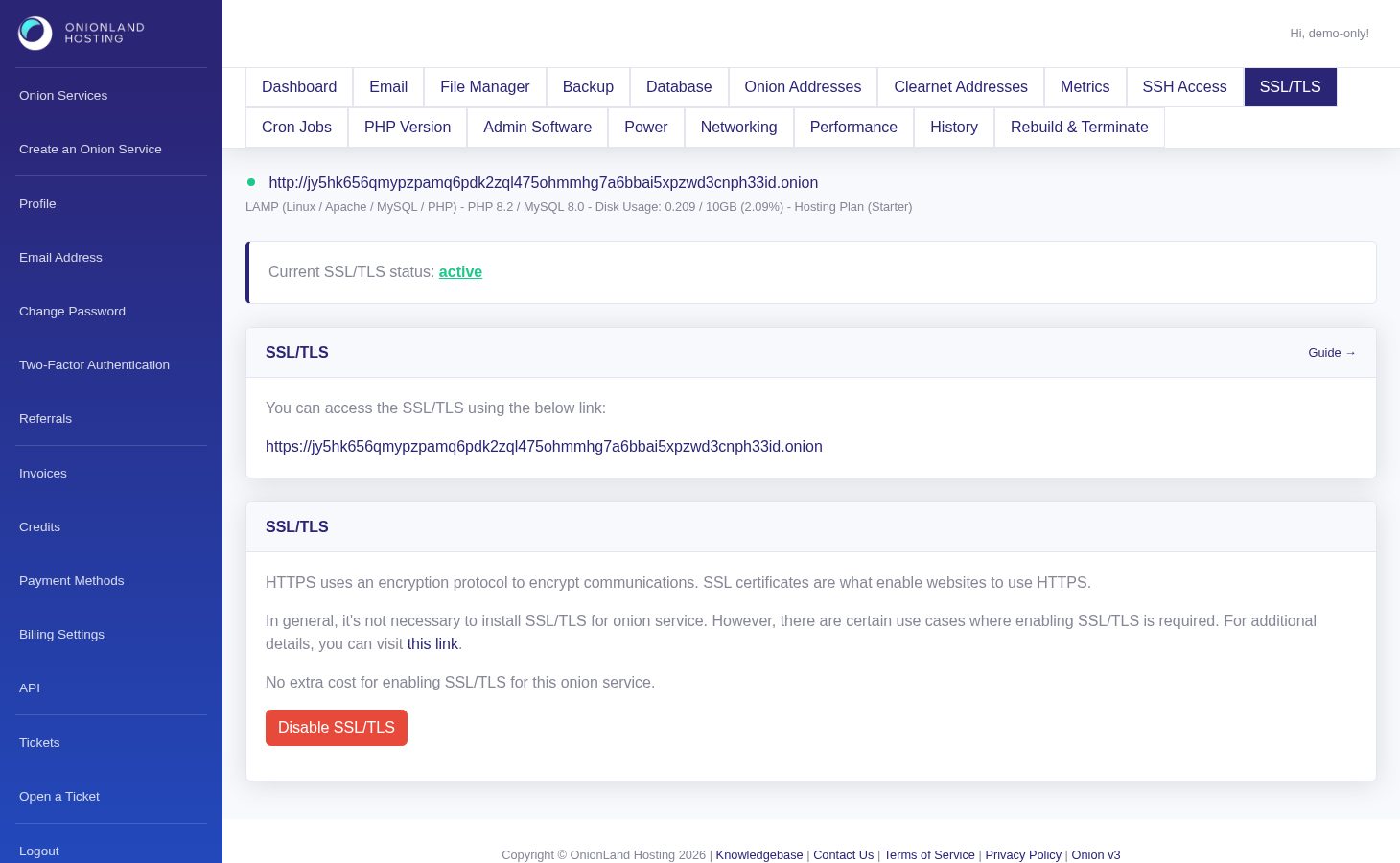
Step 2 — Click Enable SSL/TLS
Click Enable SSL/TLS. The page reloads with a green message: "The ssl is enabled. You may check the history page to see the latest status." The status line above it now reads active and the button changes to "Disable SSL/TLS". There is no extra cost.
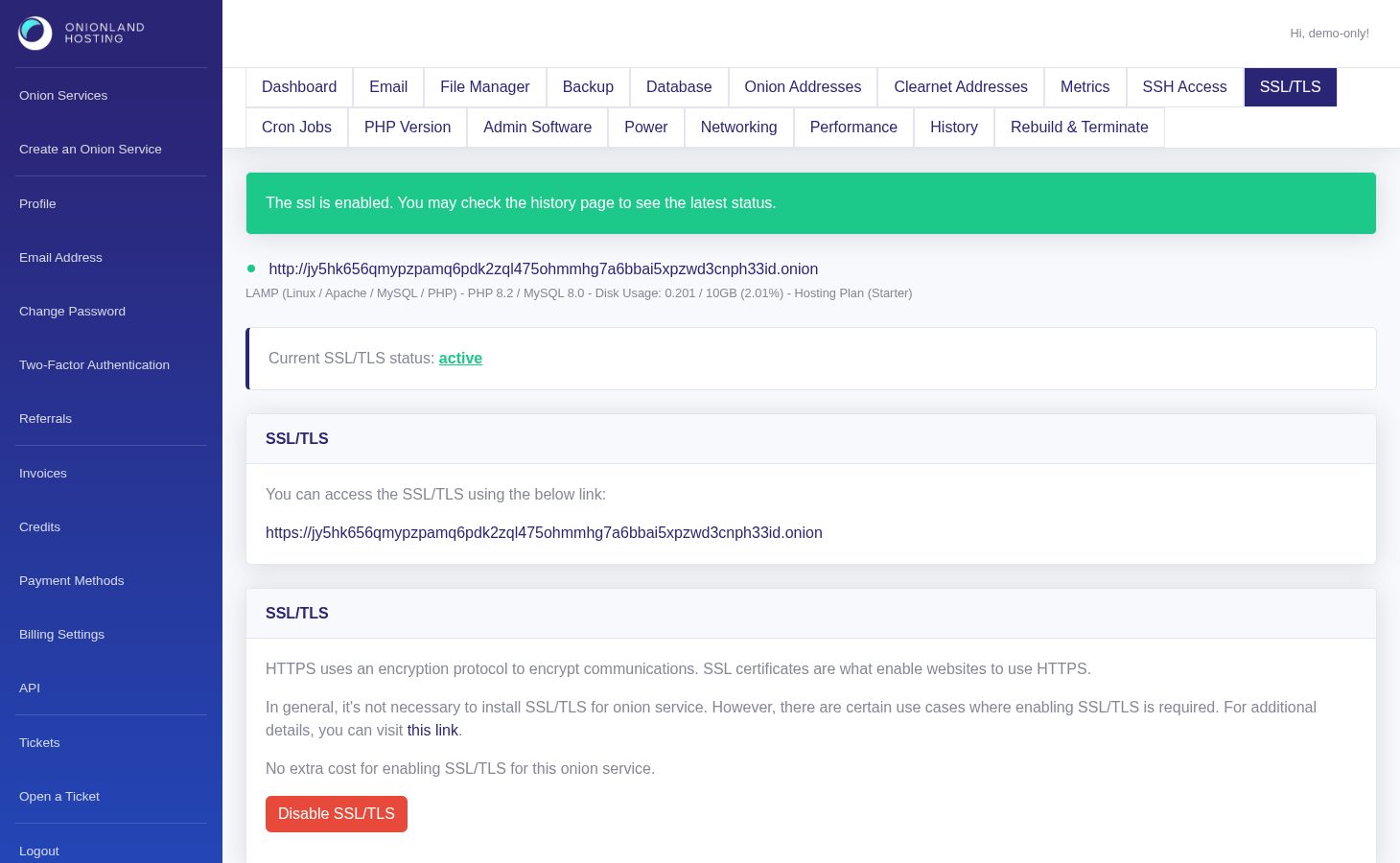
Step 3 — Check the result
Load your site over https:// and confirm the padlock. If the certificate is not valid for the hostname you are using, your application is probably forcing a redirect to a different host — the Onion Addresses tab explains the WordPress fix for that case.
Related articles
- How to bind a clearnet domain to your onion service
- How to change the PHP version of your onion service
Tags:
- Onion Service
- Customer Portal
- SSL/TLS