Our experts are always on hand to help answer your questions, get you started, and grow your presence online. You can email us any time
How to connect to your onion service with SSH
- Knowledgebase
How to connect to your onion service with SSH
SSH gives you a shell and file transfer over the Tor network, using a key pair instead of a password. The portal can generate the pair for you, or you can import a public key you already use.
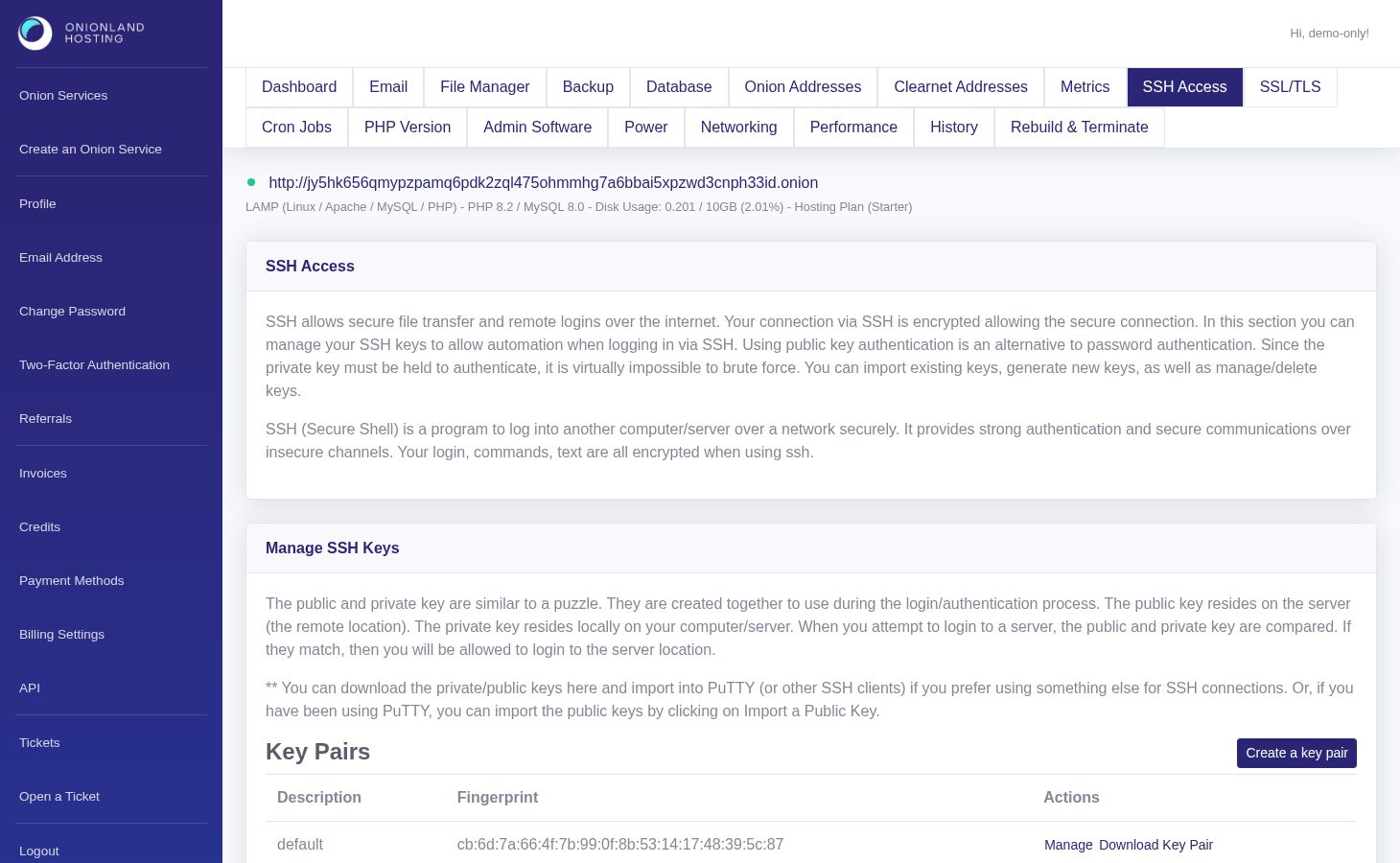
Step 1 — Open the SSH Access tab
In the Customer Portal, open your onion service and click "SSH Access". The page lists your key pairs and the connection recipe for your operating system.
Step 2 — Create or import a key
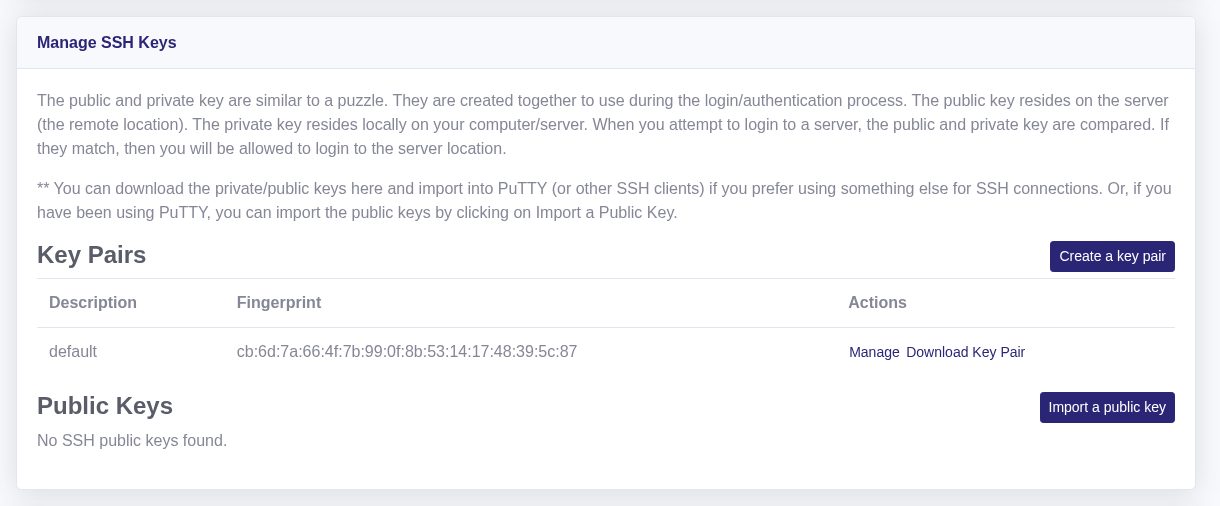
Use "Create a key pair" to have one generated (RSA 4096, with an optional passphrase), or "Import a public key" to paste an OpenSSH or PuTTY key. After either action the page returns to the key list with a green message such as "Your ssk key pair is creating. You may check the history page to see the latest status." The key appears in the list once the operation finishes.
Step 3 — Connect through Tor
Download the private key, set it to 600, and connect with the address and port 2222 as user www-user:
chmod 600 ~/.ssh/id_rsa

ssh [email protected] -p 2222 -i ~/.ssh/id_rsa \
  -o "ProxyCommand=ncat --proxy 127.0.0.1:9050 --proxy-type socks5 %h %p"
Port 9050 is the Tor daemon; with the Tor Browser use 9150 instead. On Windows, set the same values in PuTTY under Connection > Proxy (SOCKS5, localhost, 9150) and Connection > Data (auto-login user www-user).
Related articles
- How to secure the admin services of your onion service
- How to download a backup of your onion service
Tags:
- Onion Service
- Customer Portal
- SSH